Log in once, stay in
Open as many tabs and file panels on a host as you like — you log in once.
macOS · Terminal & SSH client
Log in once and stay connected. Tabs down the side, your JumpServer machines synced in automatically, and every machine’s load on one page.
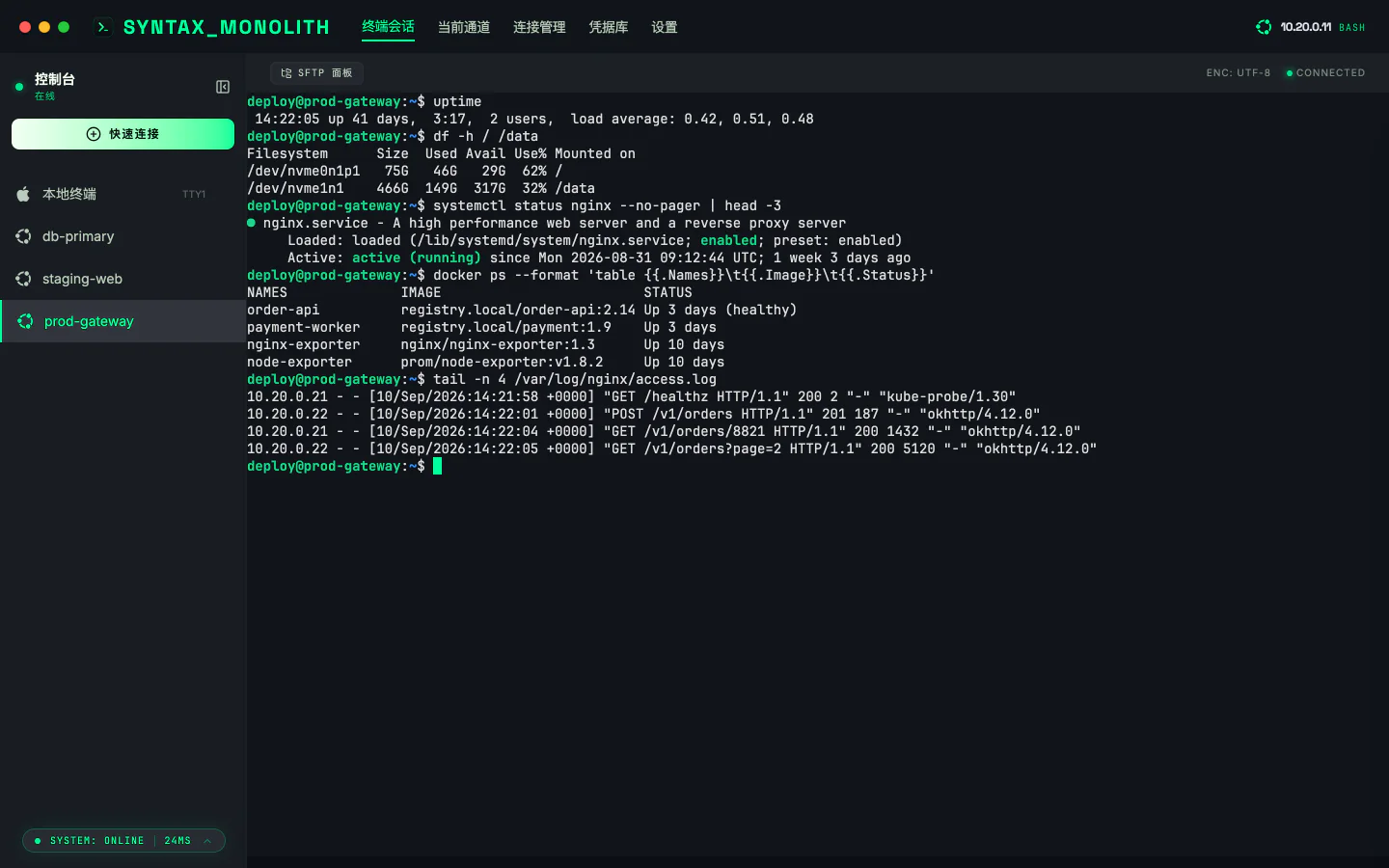
In use
Latency, load, CPU, memory and disk, grouped your way and refreshed live.
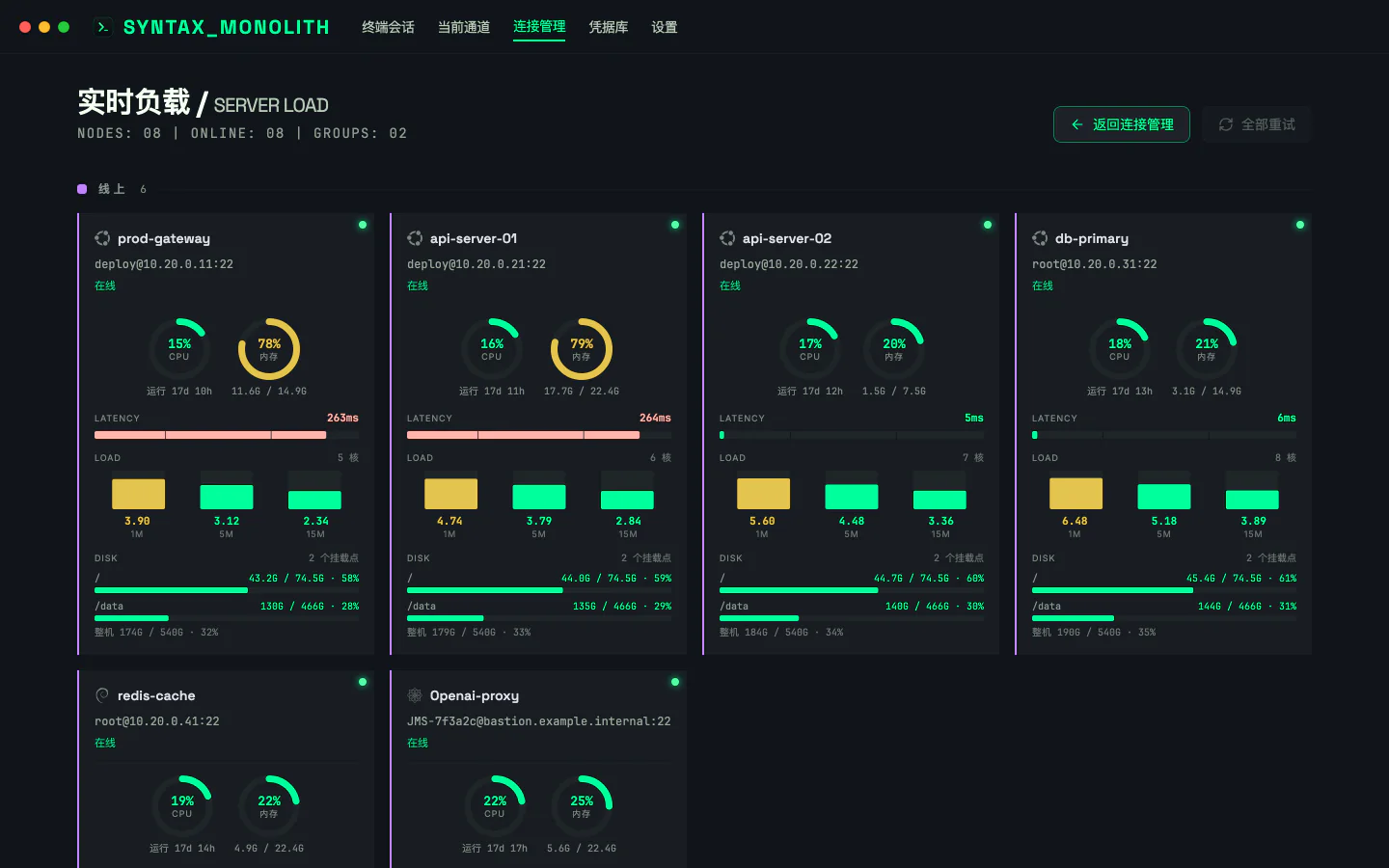
Sign in to your JumpServer account once. The machines assigned to you show up in Connections and open with a click — no more copying login details from the web page.
How to set it up →
⌘J to open, type a name or IP, Enter to jump.
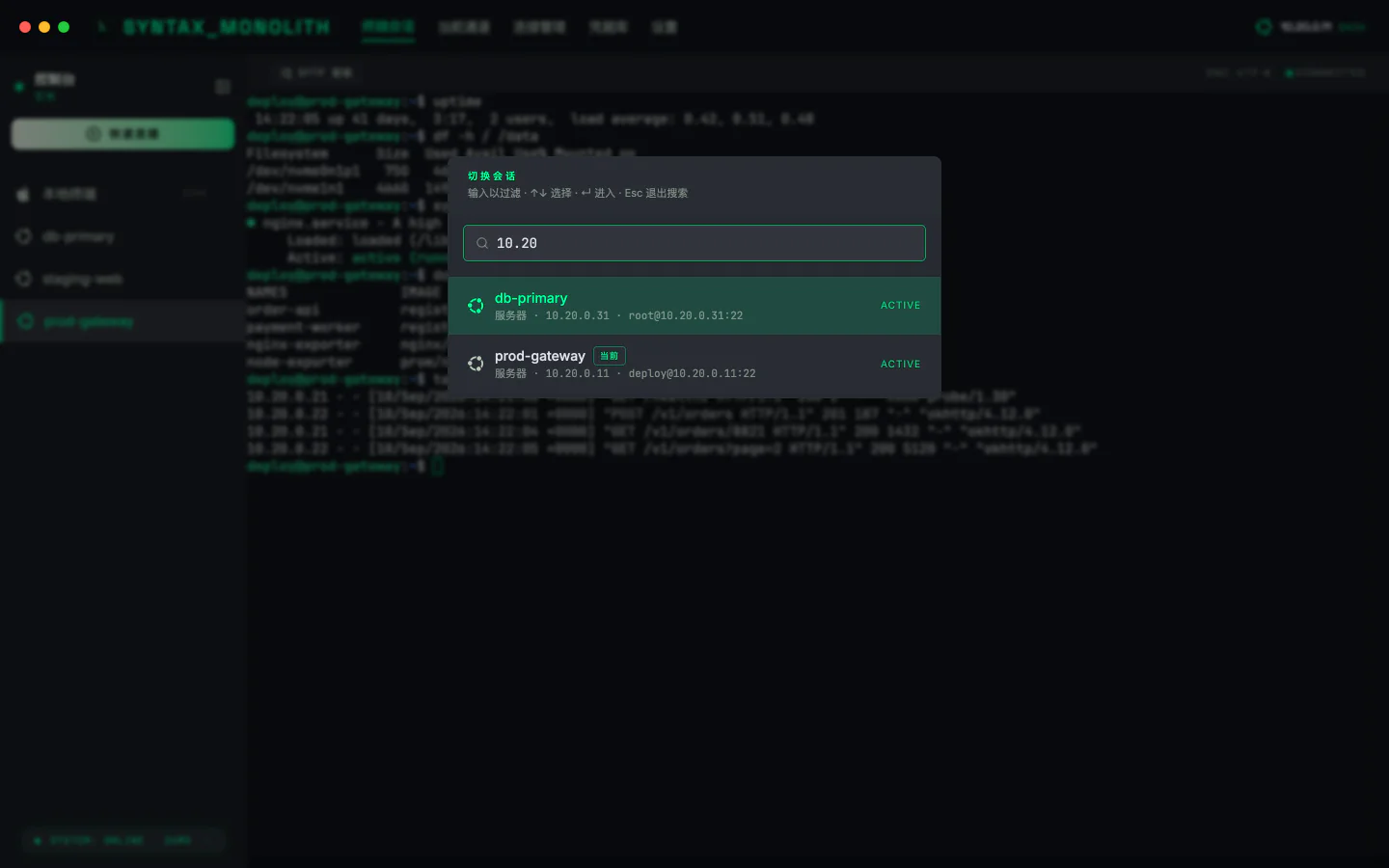
Groups, colours and OS icons at a glance; machines synced from JumpServer are marked.

More
Open as many tabs and file panels on a host as you like — you log in once.
Reach internal machines through a jump host by picking it from a list. No config files.
Use one key across many machines and rotate it in one place.
An SFTP panel right next to the terminal, with no second login.
Connections, credentials and shortcuts back up to a folder or WebDAV on a schedule. Restore on a new Mac and carry on.
Let local scripts and AI assistants run commands on servers you are connected to — without handing over a password. Off by default.
How it works →Pricing
Free. No sign-up, no subscription, no paid tier.
Your data stays on your Mac. Passwords and keys are never uploaded. No analytics.
Get started
Download the installer for your chip and drag it into Applications.
Open the app and add a server to get started.
The full guide: connections, jump hosts, bastions and shortcuts →